
 Login
Login Executive Content Manager | The Secure, Centralised Tool for Executive Visibility
Executive Content Manager
Consistency builds credibility, but it takes time. MySocial.ai’s Executive Content Manager is purpose-built for teams supporting senior leaders. Centrally manage content for multiple executives, streamline approvals and keep them visible. All without ever needing their login credentials or chasing them for follow-up.
Trusted and Recommended by


Why Executive Visibility Matters More Than Ever

Today, over 80% of the B2B buyer journey happens before the first sales call. Increasingly, it’s people who shape perception, not brands. Research shows:
89%
of buyers trust recommendations from people they know over branded content
82%
of people trust companies more when senior leaders are active online
This means your executive team isn’t just leading internally, they’re shaping how your brand is perceived externally. But managing their social presence across the organisation can be messy, risky and resource-heavy.
That’s why we built MySocial.ai’s Executive Content Manager for PR, Comms, Marketing and EA teams who need a secure, scalable way to manage executive visibility.

What Makes Us Different?
We’re not just a scheduler. We’re your visibility engine, designed with the workflows, brand safety and reporting modern teams need.
Why Teams Use MySocial.ai to Support Executives
1. Centralised Content Control
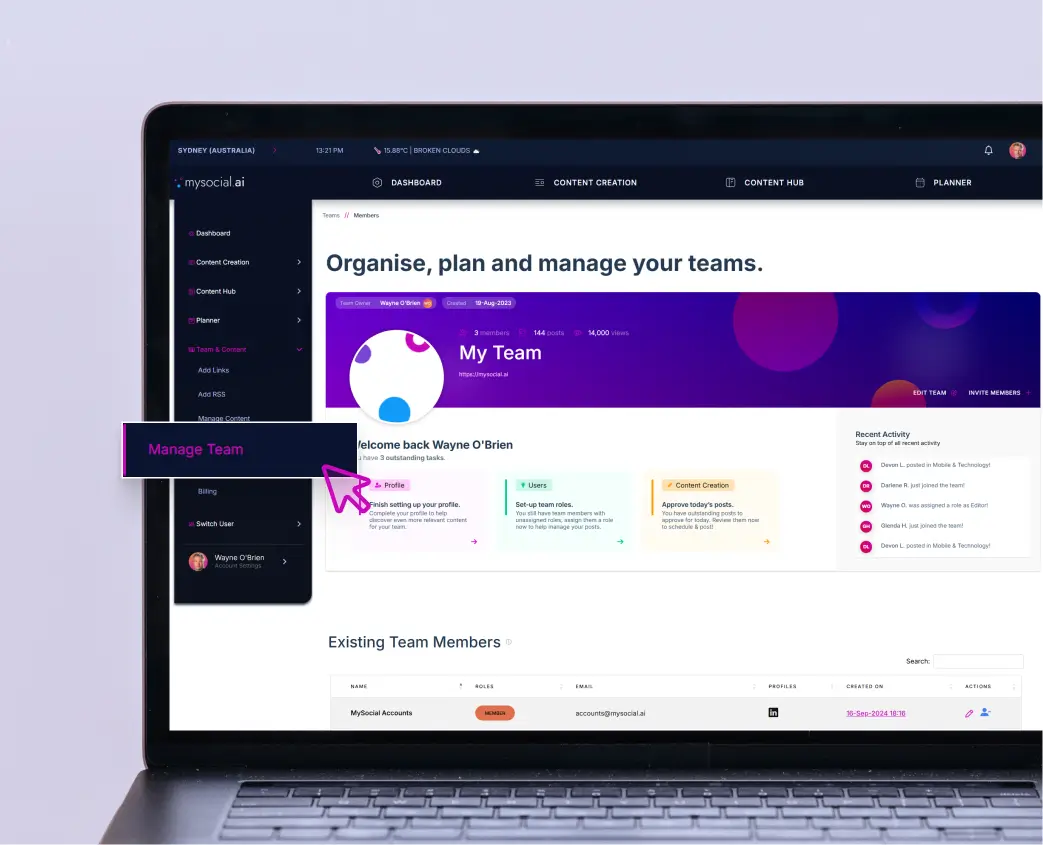
Manage multiple executive profiles from one dashboard. No spreadsheets, no inbox confusion and no separate tools.


2. Secure Access – No Passwords Required
Your executives stay secure. You stay in control. All access is managed through permission requests, so there’s no need for sensitive login info.
3. Visibility Planning Made Easy
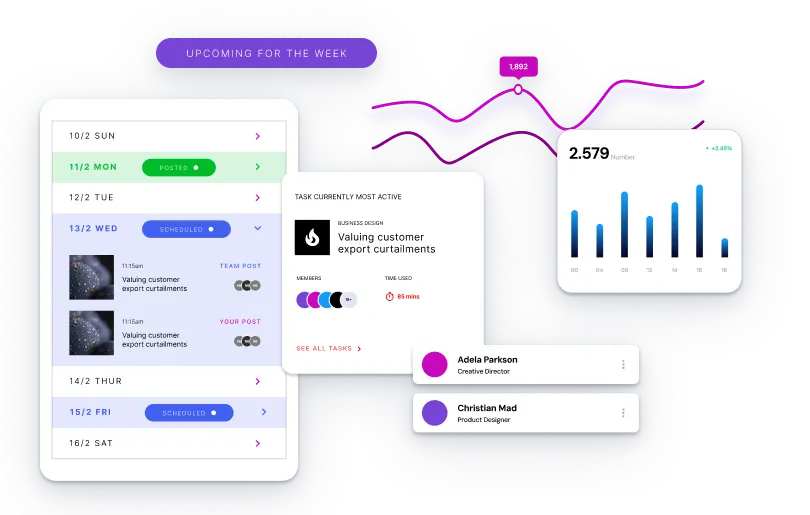
View all upcoming executive content in one place. Spot gaps, align messaging, and ensure a consistent presence across your leadership team.

4. Auto-Content Integration
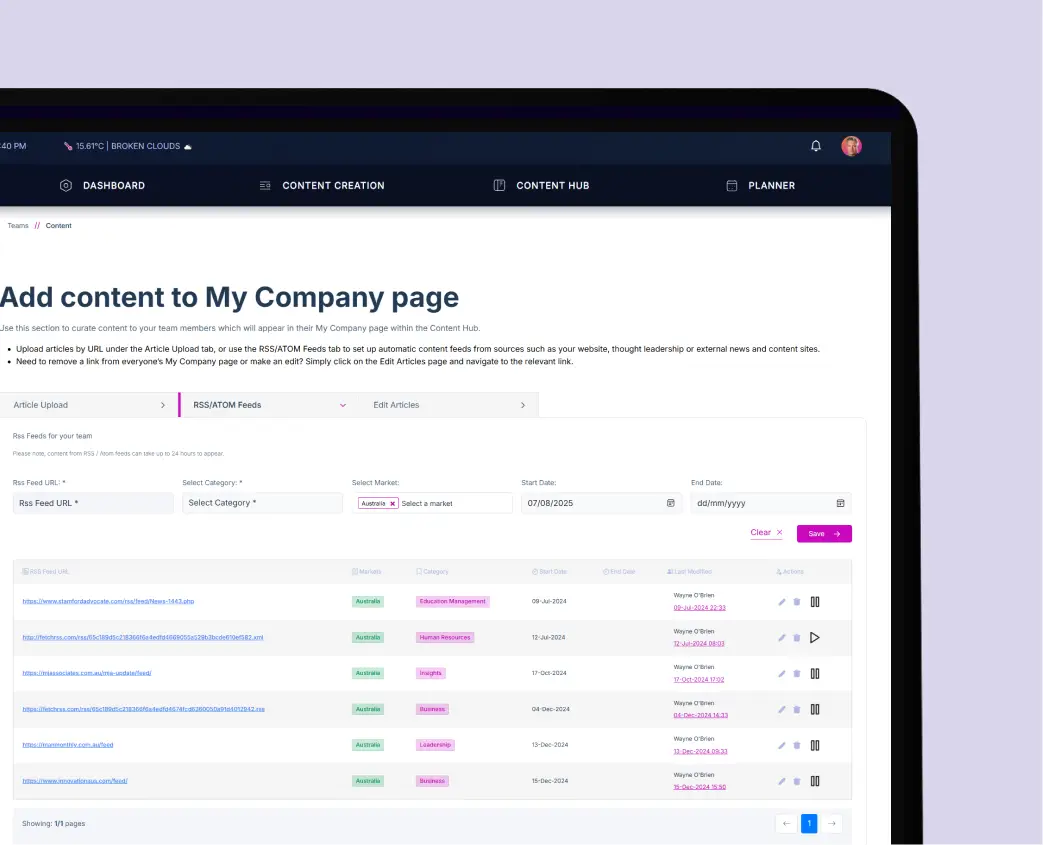
Pull in blog content, press releases, or industry articles automatically with RSS or ATOM feeds. Stay fresh without starting from scratch.
5. Built for Collaboration
Assign permissions across Marketing, PR, and EA roles. Streamline approvals and workflows so everyone knows their role.
Executive Content Management on LinkedIn
Do I need my executive’s LinkedIn password?
Can I manage multiple profiles at once?
Can I automate content sourcing?
Is this included?
Can I assign different permissions?
Try MySocial.ai for Free
Make executive content planning seamless. Give your comms team the structure, visibility, and security they need.


